Make AI photos feel truly real.

ExifCraft rewrites the hidden EXIF data of your generated images — date, place, GPS and the device they were "shot" on — so your visuals carry a believable, consistent story.

Craft metadata in two simple steps. Upload your AI images, edit every field, and export — the full editor is one click away.

See how it works →
No watermarks Batch upload Export in seconds
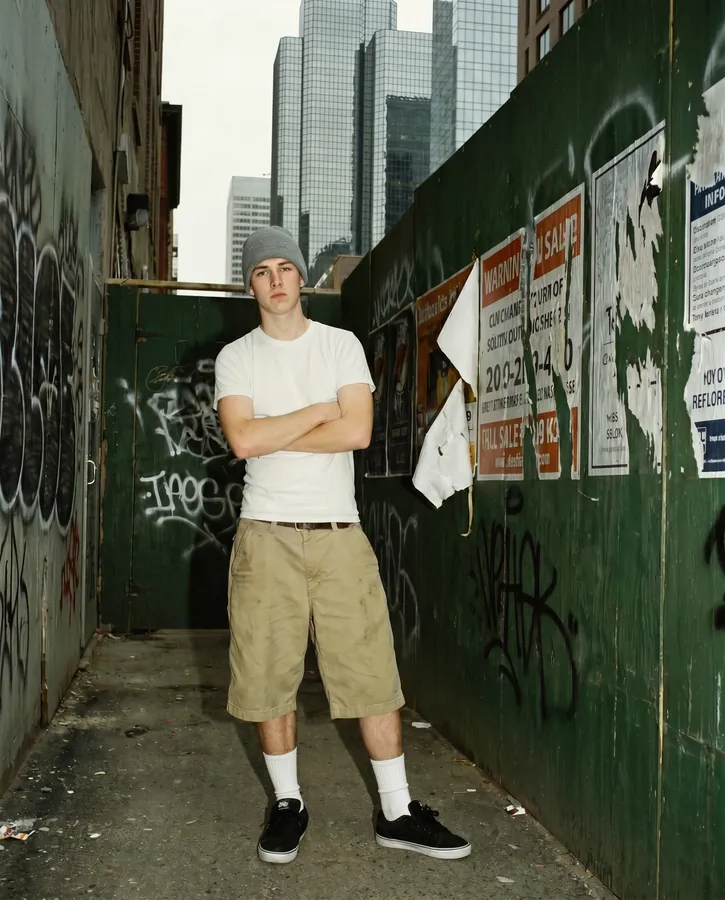
Original photo 20260614-18:42_aB3xZ.png
Date takenNot set
White balance STUDIONot set
LocationNot set
Flash STUDIONot set
GPSNot set
Exposure STUDIONot set
DeviceAI render
ISO STUDIONot set
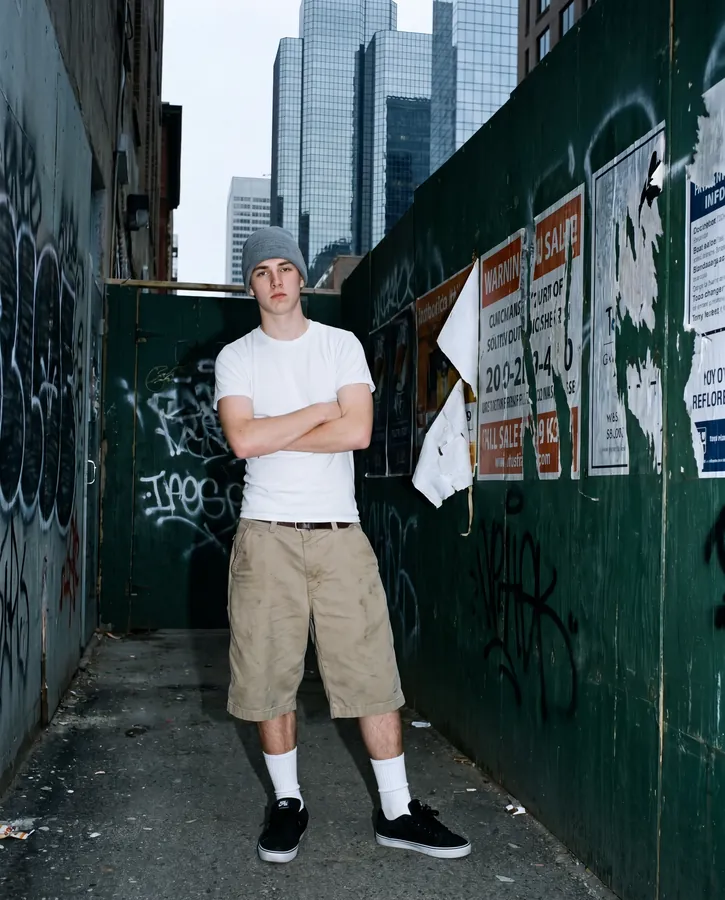
Crafted photo input.png
Date taken14 Jun 2026, 18:42
White balance STUDIOAuto · 5200K
LocationLisbon, Portugal
Flash STUDIOOff
GPS38.7169, -9.1399
Exposure STUDIO1/120s · f/1.8
DeviceiPhone 15 Pro
ISO STUDIOISO 200
Inside ExifCraft

A closer look at what you can craft

01 Edit, strip & re-craft

Edit every field live — or wipe it clean and start over

Change the place, the moment or the device and the embedded EXIF updates instantly. Need a clean slate? Strip every trace in one click, then re-craft a believable profile whenever you’re ready.

Crafted photo
Date14 Jun 2026, 18:42
PlaceLisbon, Portugal
GPS38.7169, -9.1399
DeviceiPhone 15 Pro
Location
Date & time
Device
4 fields · crafted
Fine controls

Location, time & camera — dialled in

Location

Pin any city

38.7169, -9.1399
Timeline

Any date in history

197020002026
1970 → today · minute precision
Device · Studio

Match the camera

iPhone 15 Pro48MP
SensorSony IMX803
Lens24mm · f/1.8
ISO200
02 Auto natural look Studio

Make it look truly shot — not generated

Retouch the pixels just enough to feel real — believable grain, sharper detail, less AI smoothness. Drag to compare; hover to inspect with the loupe.

Raw AI render
Enhanced
RawEnhanced
Crafting batch · 6 of 6Live
48 / 50 done~1.8s each
03 Batch & export

Craft hundreds of images in a single pass

Drop a whole set, apply one metadata profile, and ExifCraft writes them all in parallel — then hands you a tidy ZIP. No repetitive clicking, no field left behind.

Shared profilesParallel writesZIP export
50
Images per batch
1.8s
Per image
1
Click to export ZIP
Loved by makers

What people are saying

★★★★★★★★★★4.8/5.0

"Finally my AI travel shots have a date and place that actually line up. It's now part of every export."

Mara Ricci
Travel creator
★★★★★★★★★★4.9/5.0

"We batch-process whole campaigns in one go. The 3-step flow is so fast my team barely needed onboarding."

Daniel Khoury
Creative lead, agency
★★★★★★★★★★4.7/5.0

"The before/after EXIF view sold me instantly. Clean, simple, and the Pro fields are worth every cent."

Sofia Lindqvist
Product photographer
★★★★★★★★★★4.7/5.0

"Scheduling content across time zones finally makes sense. Every post carries a consistent capture time."

Liam Okafor
Social media manager
★★★★★★★★★★4.6/5.0

"I went from fiddling with command-line tools to one clean screen. It just feels professional."

Chiara Bianchi
Content creator
★★★★★★★★★★4.9/5.0

"Our product renders now ship with coherent metadata before they hit the store. Huge time saver."

Noah Bergström
E-commerce owner
★★★★★★★★★★4.8/5.0

"The batch export with one metadata profile keeps our whole campaign perfectly consistent."

Priya Nair
Marketing lead
★★★★★★★★★★4.7/5.0

"Simple, fast, and it never touches my pixels. Exactly the tool I'd been looking for."

Tomás Alvarez
Indie maker
★★★★★★★★★★4.9/5.0

"Clean interface, sensible plans, and the Pro fields give me full control over exposure and white balance."

Yuki Tanaka
Brand designer
Pricing

Start free. Upgrade when you scale.

No contracts. Cancel anytime. Every plan keeps your pixels untouched.

Free

$0/forever

Perfect for trying ExifCraft on a handful of images.

  • 5 images / day
  • Date & time
  • Location
  • GPS coordinates
  • Device model
  • Pro fields & batch
Most popular

Creator

$4.99/month

For active creators who post every day.

  • Unlimited images
  • Everything in Free
  • Device model editing
  • Flash control
  • Batch up to 50
  • Exposure & white balance

Studio

$9.99/month

Full control for pros & teams at scale.

  • Everything in Creator
  • Exposure, ISO & f-stop
  • White balance
  • 20+ advanced fields
  • Unlimited batch & ZIP
  • Priority processing
FAQ

Good questions, answered

No. ExifCraft only rewrites the metadata layer (EXIF). Your pixels stay byte-for-byte identical — nothing is re-compressed or altered visually.
Free covers date & time, location and GPS, on up to 5 images per day. Device model, flash, exposure and white balance unlock on paid plans.
Yes — paid plans support batch editing and ZIP export, so you can craft a whole set with one consistent metadata profile in a single pass.
Absolutely. ExifCraft is built to keep your creative output organized and coherent — a clean way to manage capture data across AI-assisted projects.
Of course. Plans are month-to-month with no contracts. Cancel in one click and you keep access until the end of your billing period.

Craft your first images today

Five free edits a day, no card required. See how good your AI photos look with a real story behind them.